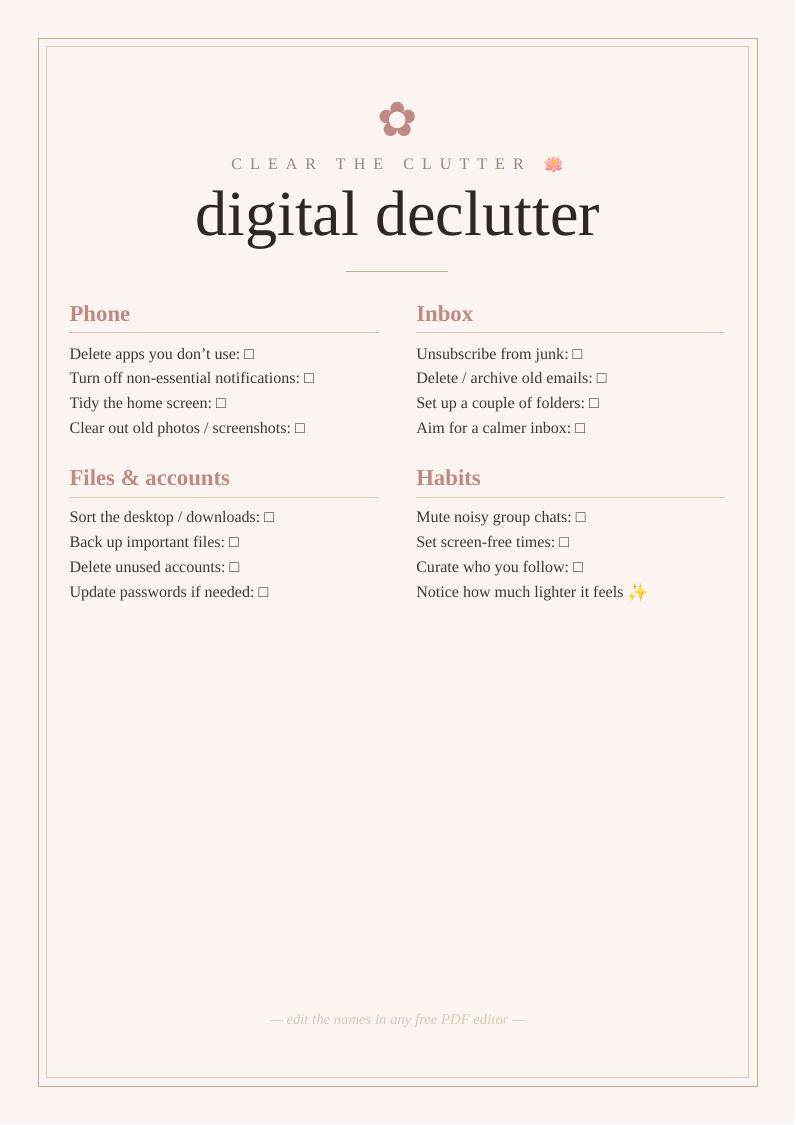
What you get
Designed to look bought, priced at nothing
Three print sizes
A2 and A3 for home printers, plus 18×24" for a print shop or easel.
Fully editable
Change the wording in any free PDF editor — no design software needed.
High-resolution
Crisp 300 DPI vector text that stays sharp at poster size.
How to use it
From download to display in three steps
- Personalise. Open the PDF in Canva, Acrobat online or Apple Preview and edit the text.
- Print. Heavyweight matte card at home for A3 and under; a print shop for 18×24".
- Display. Frame it or stand it on an easel at your .
Top picks compared
| Pick | What you'll want | Best for | |
|---|---|---|---|
| Top pick | A4 heavyweight matte card blush | Declutter list | Check price → |
| Storage | External hard drive backup storage photos files portable | Back up | Check price → |
| Book | Digital minimalism book Cal Newport focus phone habits | Read more | Check price → |
As an Amazon Associate we earn from qualifying purchases. Prices shown on Amazon at time of click.
Frequently asked questions
Why declutter your digital life, and where do you start?
A cluttered digital life — an overflowing inbox, hundreds of notifications, a chaotic phone, thousands of unsorted photos — creates a low hum of background stress and distraction that's easy to underestimate. A digital declutter clears that, leaving you calmer, more focused and less constantly pulled at by your devices. Where to start: the quickest wins are turning off non-essential notifications (which alone dramatically cuts the daily noise), deleting apps you don't use, and unsubscribing from the email lists that clog your inbox. Then work through tidying your home screen, sorting and backing up photos and files, and curating who you follow so your feeds lift rather than drain you. Build in a couple of small ongoing habits — muting noisy chats, setting screen-free times — to stop the clutter creeping back. It needn't be done in one go; a little at a time works well, and the lighter feeling afterwards is genuinely worth it.
Is it really free?
Yes — no email, no sign-up.
Can I print it more than once?
Yes — print as many copies as you need.