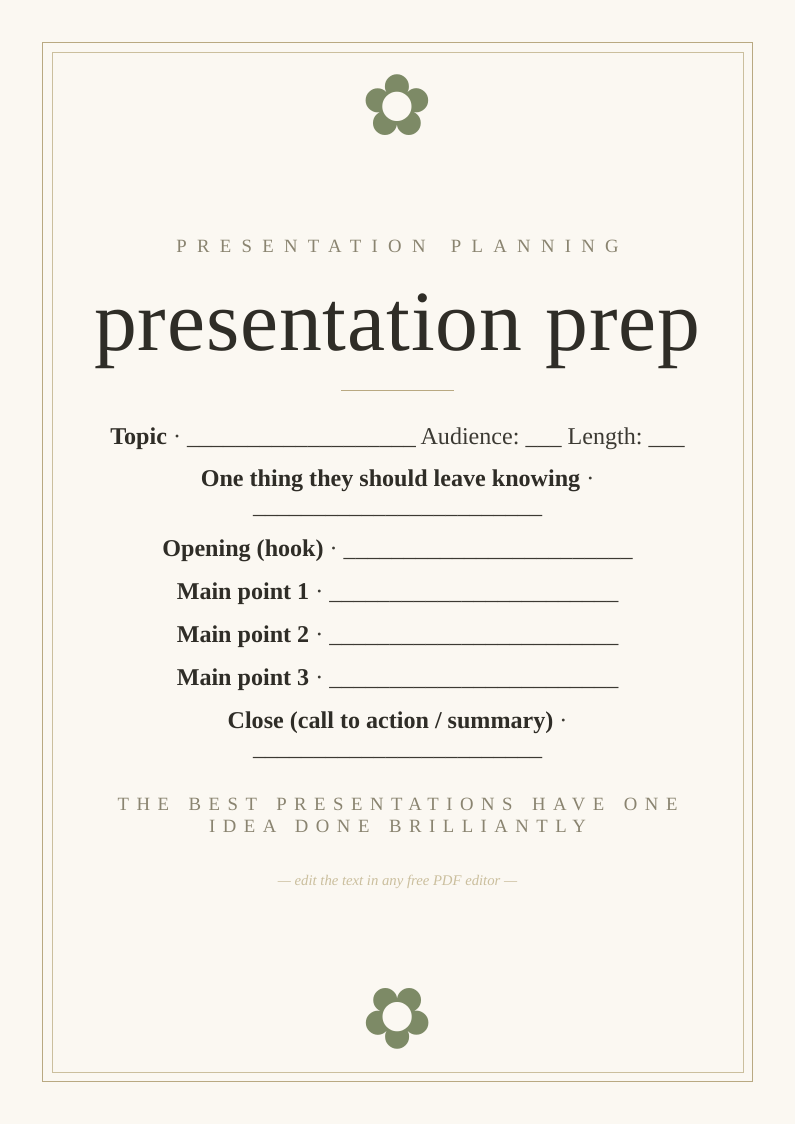
What you get
Designed to look bought, priced at nothing
Three print sizes
A2 and A3 for home printers, plus 18×24" for a print shop or easel.
Fully editable
Change the wording in any free PDF editor — no design software needed.
High-resolution
Crisp 300 DPI vector text that stays sharp at poster size.
How to use it
From download to display in three steps
- Personalise. Open the PDF in Canva, Acrobat online or Apple Preview and edit the text.
- Print. Heavyweight matte card at home for A3 and under; a print shop for 18×24".
- Display. Frame it or stand it on an easel at your .
Top picks compared
| Pick | What you'll want | Best for | |
|---|---|---|---|
| Top pick | A4 heavyweight matte card | Presentation prep | Check price → |
| Clicker | Wireless presentation clicker laser | Slide control | Check price → |
| Book | Presentation Secrets Alexei Kapterev | Presentation method | Check price → |
As an Amazon Associate we earn from qualifying purchases. Prices shown on Amazon at time of click.
Frequently asked questions
What is the most common presentation mistake?
Too many slides, too much text on each, and reading from them. The slides are a visual aid for the audience, not a script for the speaker. A powerful presentation uses 10–15 slides maximum, with images or minimal text, and treats the speaker's words as the primary content.
Is it really free?
Yes — no email, no sign-up.
Can I print it more than once?
Yes — print as many copies as you need.