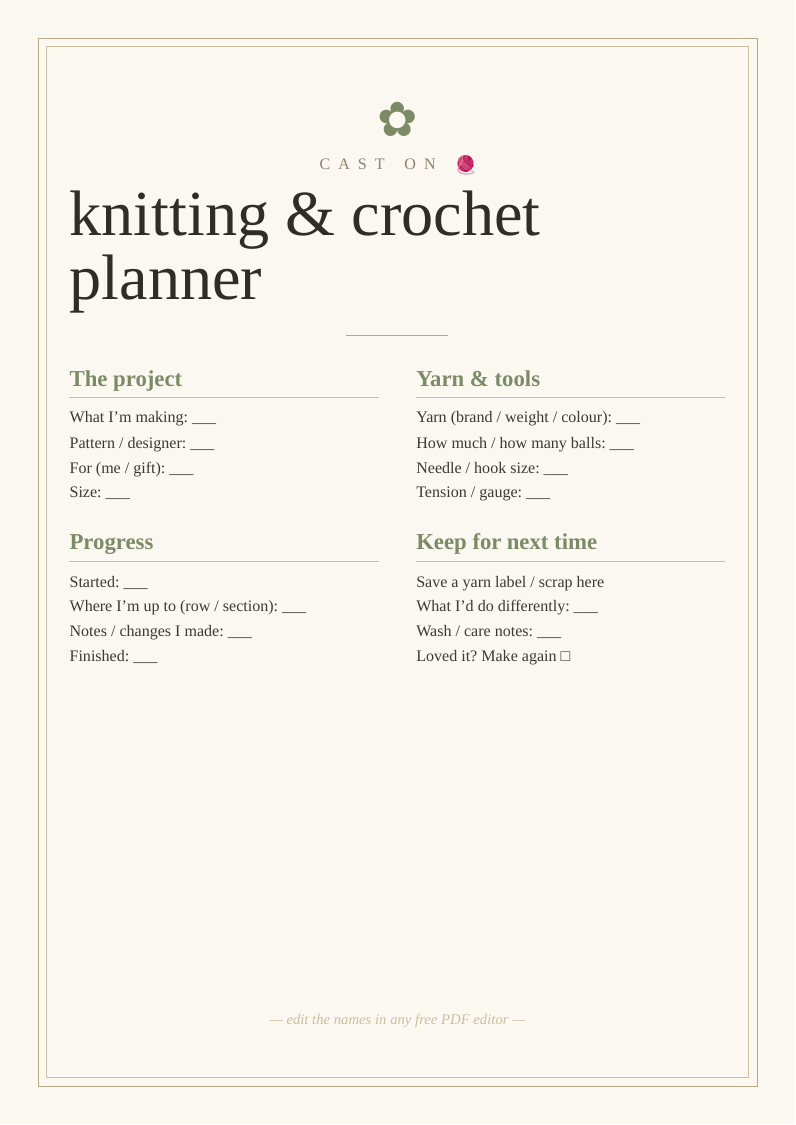
What you get
Designed to look bought, priced at nothing
Three print sizes
A2 and A3 for home printers, plus 18×24" for a print shop or easel.
Fully editable
Change the wording in any free PDF editor — no design software needed.
High-resolution
Crisp 300 DPI vector text that stays sharp at poster size.
How to use it
From download to display in three steps
- Personalise. Open the PDF in Canva, Acrobat online or Apple Preview and edit the text.
- Print. Heavyweight matte card at home for A3 and under; a print shop for 18×24".
- Display. Frame it or stand it on an easel at your .
Top picks compared
| Pick | What you'll want | Best for | |
|---|---|---|---|
| Top pick | A4 heavyweight matte card | Project planner | Check price → |
| Stitch markers | Knitting accessories stitch markers row counter needles set | Knitting kit | Check price → |
| Project bag | Knitting crochet project bag yarn storage portable craft | On the go | Check price → |
As an Amazon Associate we earn from qualifying purchases. Prices shown on Amazon at time of click.
Frequently asked questions
Why keep a knitting or crochet project planner?
Anyone who knits or crochets knows the frustrations a planner solves: losing your place in a pattern, forgetting which needle or hook size you used, running out of yarn mid-project, or finishing something months later and having no idea how to wash it. A project sheet records all of it in one place — the pattern, the yarn (brand, weight, colour and how much), needle or hook size, your tension, and where you're up to — so you can pick a project back up after a break without guesswork. Noting your tension matters because it affects whether a garment comes out the right size, and keeping a yarn label or scrap means you can match more or care for it correctly later. It also builds a lovely record of your makes over time. Whether you're a casual hobbyist or a prolific maker with several projects on the go, it keeps everything straight.
Is it really free?
Yes — no email, no sign-up.
Can I print it more than once?
Yes — print as many copies as you need.