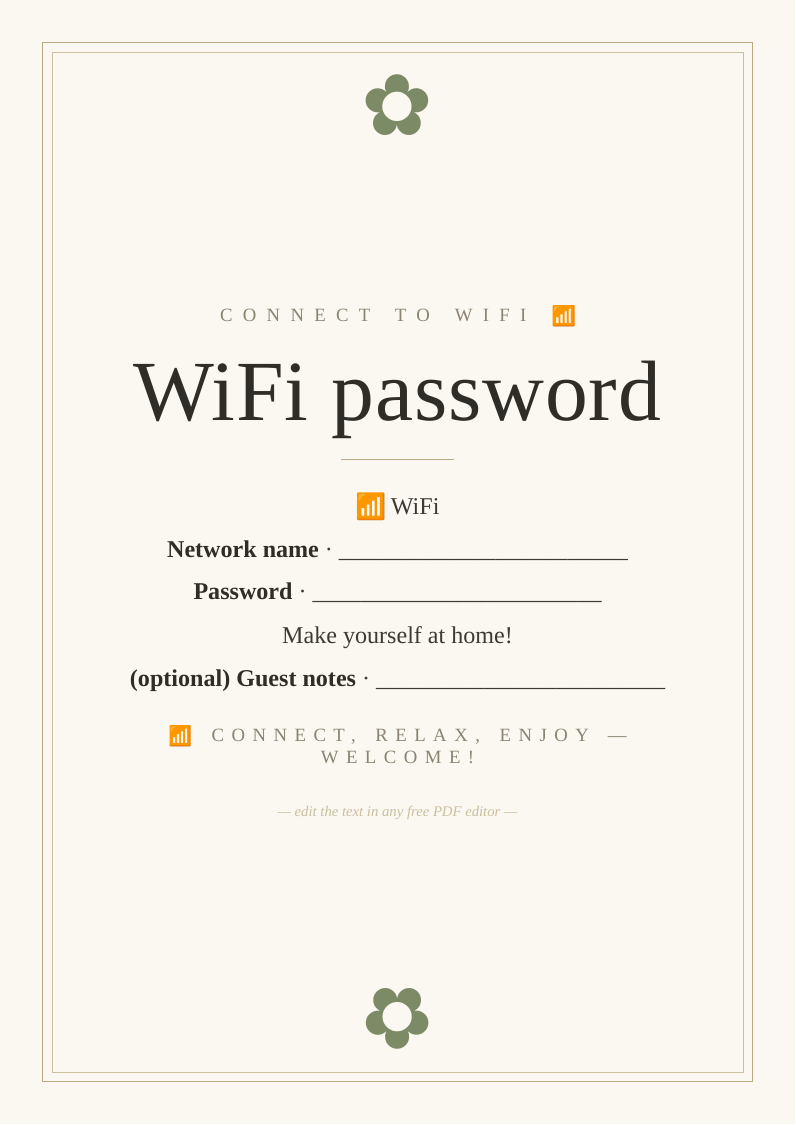
What you get
Designed to look bought, priced at nothing
Three print sizes
A2 and A3 for home printers, plus 18×24" for a print shop or easel.
Fully editable
Change the wording in any free PDF editor — no design software needed.
High-resolution
Crisp 300 DPI vector text that stays sharp at poster size.
How to use it
From download to display in three steps
- Personalise. Open the PDF in Canva, Acrobat online or Apple Preview and edit the text.
- Print. Heavyweight matte card at home for A3 and under; a print shop for 18×24".
- Display. Frame it or stand it on an easel at your .
Top picks compared
| Pick | What you'll want | Best for | |
|---|---|---|---|
| Top pick | A5 heavyweight matte card | WiFi sign | Check price → |
| Frame | Small photo frame A5 desk display wifi sign tabletop | Display frame | Check price → |
| Router | WiFi router mesh booster home strong signal coverage UK | Better WiFi | Check price → |
As an Amazon Associate we earn from qualifying purchases. Prices shown on Amazon at time of click.
Frequently asked questions
Where should you display a guest WiFi sign?
Somewhere guests naturally look — by the kettle, in the living room, in a guest bedroom, or by the front door. It's especially useful for holiday lets, Airbnbs, home offices with visiting clients, and homes that entertain often. Framed on a side table, it looks tidy and saves the awkward dance of reciting a long, fiddly password. For security, many people set up a separate 'guest network' on their router (most modern routers offer this) so visitors connect without accessing the main home network.
Is it really free?
Yes — no email, no sign-up.
Can I print it more than once?
Yes — print as many copies as you need.