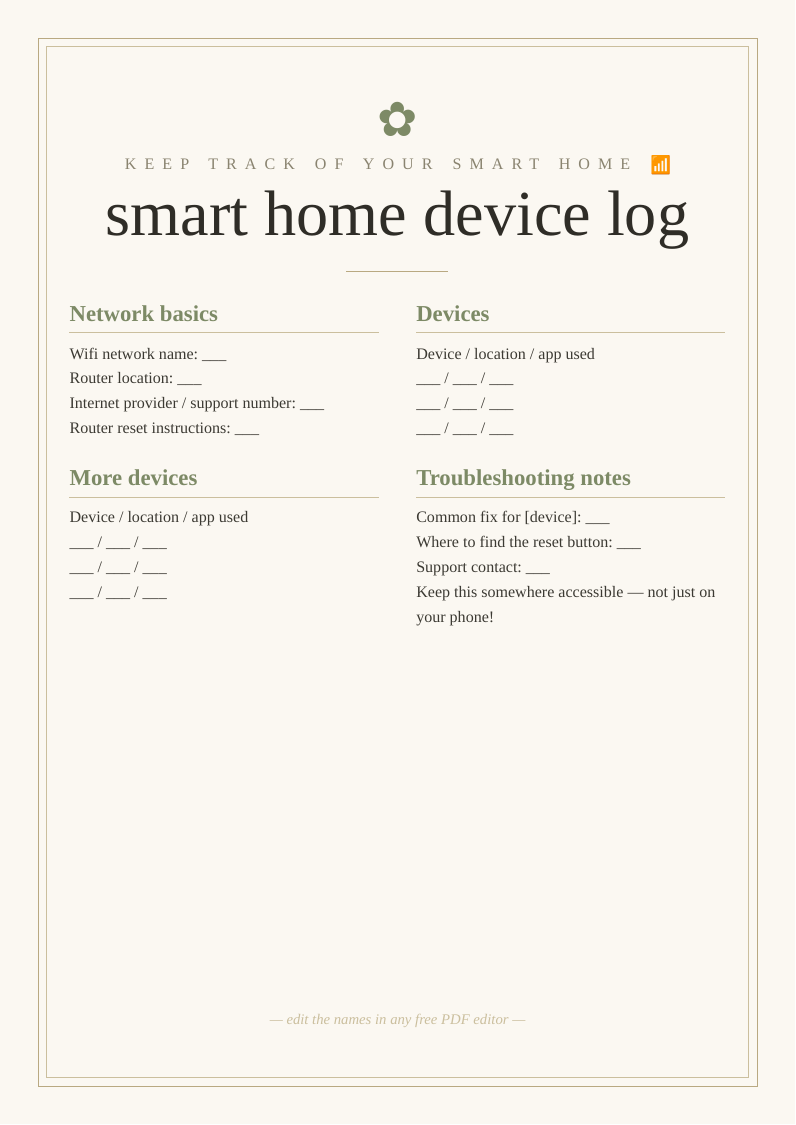
What you get
Designed to look bought, priced at nothing
Three print sizes
A2 and A3 for home printers, plus 18×24" for a print shop or easel.
Fully editable
Change the wording in any free PDF editor — no design software needed.
High-resolution
Crisp 300 DPI vector text that stays sharp at poster size.
How to use it
From download to display in three steps
- Personalise. Open the PDF in Canva, Acrobat online or Apple Preview and edit the text.
- Print. Heavyweight matte card at home for A3 and under; a print shop for 18×24".
- Display. Frame it or stand it on an easel at your .
Top picks compared
| Pick | What you'll want | Best for | |
|---|---|---|---|
| Top pick | A4 heavyweight matte card | Device log | Check price → |
| Folder | A4 document folder wallet home tech organiser | Organise | Check price → |
| Cable organiser | Cable organiser box management home tech | Tidy cables | Check price → |
As an Amazon Associate we earn from qualifying purchases. Prices shown on Amazon at time of click.
Frequently asked questions
Why keep a record of your smart home devices?
As homes fill up with smart speakers, lights, plugs, thermostats, doorbells and other connected gadgets, it becomes surprisingly easy to lose track of what's set up where, which app controls which device, and how to fix or reset something when it inevitably stops working or needs reconnecting after a router change. A simple written reference solves a genuinely common frustration: discovering you can't remember which of several apps controls the living room lights, or having no idea how to reset a device that's stopped responding, with the original instructions long since thrown away or buried in an email somewhere. Keeping the basics noted down — your wifi network details, which app or hub each device uses, where physical reset buttons are located, and any quirks or common fixes you've learned — means you (or anyone else in the household, including visiting family who might need to help) can sort out a problem without a frustrating search through forgotten apps and old packaging. It's especially useful when your internet briefly goes down and several smart devices need reconnecting to a new or changed network, which can otherwise turn into an hour of guesswork. Keeping this somewhere physical and accessible, rather than only in your head or scattered across apps on your phone, also matters if you're ever not home and need to talk someone else through a fix over the phone. A small bit of documentation that saves real hassle as your smart home setup grows.
Is it really free?
Yes — no email, no sign-up.
Can I print it more than once?
Yes — print as many copies as you need.